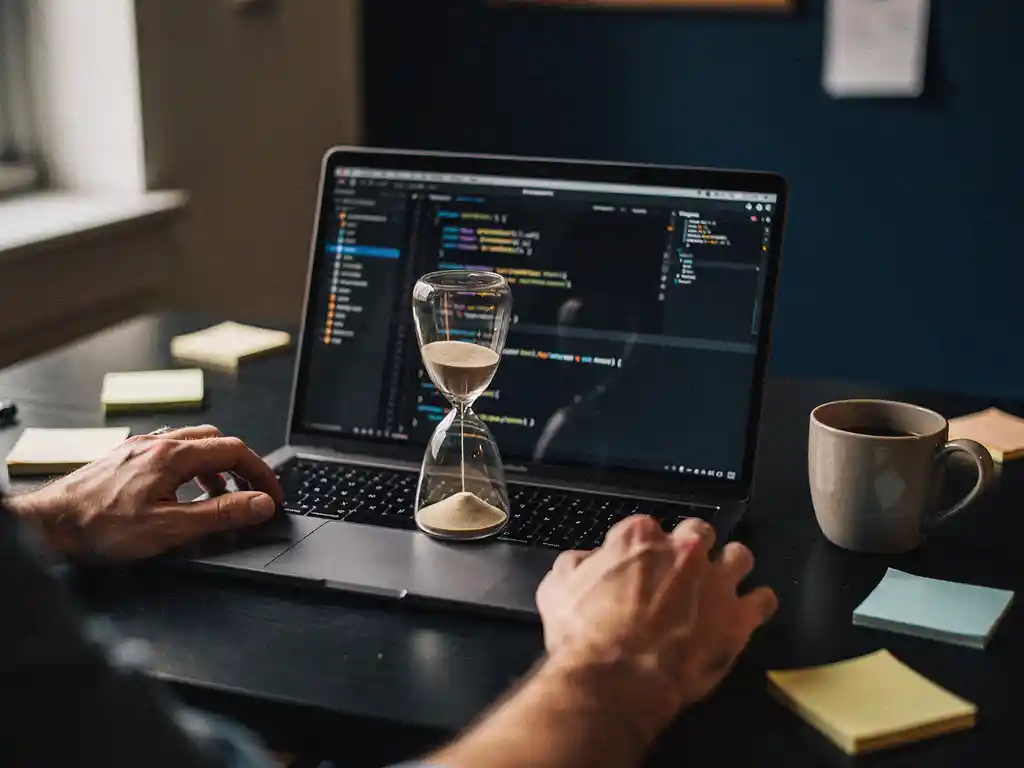
Learning web scraping with Python takes anywhere from a few days to several months, depending on your existing programming background. A complete beginner might spend two to four weeks getting comfortable with the basics, while someone with Python experience can pick up the core scraping libraries in just a few days. The honest answer is that getting started is quick, but building reliable, production-ready scrapers takes consistent practice over time. If you are curious about data scraping solutions, understanding what is involved in learning it yourself is a good place to start.
Starting from scratch is slowing you down more than you realize
Most beginners underestimate how much foundational Python knowledge they need before writing a single scraper. Without a solid grasp of loops, functions, error handling, and working with data structures, you will hit a wall fast. Every tutorial assumes you already know the basics, and when you do not, small bugs become hours of frustration. The fix is straightforward: spend two to three weeks on core Python before touching any scraping library. Platforms like Python.org’s official tutorial or free beginner courses give you exactly what you need to build on.
Skipping HTML knowledge is holding back your scraping results
Web scraping is not just Python, it is also about reading and understanding HTML structure. If you do not know how to inspect a webpage, identify CSS selectors, or follow the DOM tree, you will struggle to extract the right data consistently. Many beginners skip this step and end up with messy, unreliable outputs. A few hours spent learning basic HTML and how browser developer tools work will save you significant debugging time and make every scraper you write more accurate from the start.
What is web scraping and how does Python fit in?
Web scraping is the automated process of extracting data from websites. A scraper sends HTTP requests to web pages, retrieves the HTML content, and then parses that content to pull out specific information. Python fits into this process because it has a readable syntax, strong community support, and a rich ecosystem of libraries built specifically for scraping tasks.
Python has become the dominant language for web scraping because it handles everything from making HTTP requests to parsing HTML to storing data, all with relatively little code. Libraries like Requests, BeautifulSoup, and Scrapy cover most scraping use cases, and the Python community has produced extensive documentation and tutorials that make the learning curve manageable.
Beyond just fetching pages, Python also integrates well with data tools like Pandas, making it easy to clean, structure, and analyze the data you collect. That end-to-end capability is a big reason why Python web scraping has become the standard approach for developers and data professionals alike.
How long does it realistically take to learn web scraping with Python?
For someone with basic Python knowledge, learning the fundamentals of web scraping takes roughly one to two weeks of focused practice. A complete beginner starting from zero Python experience should expect four to eight weeks before feeling confident. Building complex, production-ready scrapers that handle dynamic content, authentication, and anti-bot measures takes several months of ongoing work.
The timeline breaks down roughly like this:
- Days 1 to 3: Understand HTTP requests, install Requests and BeautifulSoup, scrape a simple static page.
- Week 1 to 2: Practice parsing different HTML structures, handle pagination, store data in CSV or JSON files.
- Week 3 to 4: Learn Scrapy for larger projects, handle errors and retries, manage request delays to avoid getting blocked.
- Month 2 and beyond: Work with JavaScript-rendered pages using Selenium or Playwright, handle login flows, and build scrapers that run reliably at scale.
The gap between “I can scrape a basic page” and “I can build a robust data pipeline” is significant. Most people can achieve the former quickly, but the latter requires real project experience, not just tutorials.
What Python skills do you need before learning web scraping?
Before starting with web scraping, you need a working knowledge of Python fundamentals: variables, data types, loops, functions, conditionals, and basic error handling. You should also be comfortable working with lists and dictionaries, since scraped data almost always ends up in these structures before being exported or processed further.
Beyond core Python, a basic understanding of HTML is genuinely necessary. You do not need to be a web developer, but you do need to know how HTML tags work, what classes and IDs are, and how to use your browser’s developer tools to inspect page elements. Without this, you will not be able to target the right data on a page.
Familiarity with how HTTP works is also helpful. Understanding the difference between GET and POST requests, what response status codes mean, and how headers and cookies function will help you troubleshoot scraping problems much faster. Many beginner scrapers break simply because the developer does not understand why a server is rejecting their request.
What are the best Python libraries for web scraping?
The most widely used Python libraries for web scraping are Requests for making HTTP calls, BeautifulSoup for parsing HTML, Scrapy for building full scraping pipelines, and Selenium or Playwright for handling JavaScript-rendered content. Most projects start with Requests and BeautifulSoup, then graduate to more powerful tools as complexity grows.
Here is a quick breakdown of when to use each:
- Requests + BeautifulSoup: Best for simple, static pages. Easy to learn, low overhead, ideal for beginners.
- Scrapy: A full framework for larger scraping projects. Handles concurrency, pipelines, and middleware out of the box. Steeper learning curve but much more powerful.
- Selenium: Automates a real browser, so it can interact with pages that load content via JavaScript. Slower than pure HTTP scraping but necessary for dynamic sites.
- Playwright: A modern alternative to Selenium, faster and more reliable for browser automation. Increasingly popular for scraping modern web applications.
- lxml: A fast XML and HTML parser, often used alongside Requests for high-performance scraping tasks.
Most Python web scraping tutorials start with BeautifulSoup because it is forgiving and readable. Once you understand the fundamentals, switching to Scrapy or adding browser automation is a natural progression.
When should you use a web scraping service instead of coding it yourself?
You should consider a managed web scraping service when your data needs are ongoing, large-scale, or time-sensitive, and when building and maintaining scrapers in-house would consume more resources than the data is worth. If your team lacks Python expertise, or if the target websites are complex and frequently change their structure, outsourcing scraping is often the more practical choice.
Building your own scraper makes sense for one-off projects, small data sets, or when you have the technical skills and time to maintain the code. But scrapers break. Websites update their HTML, add bot detection, or shift to JavaScript rendering, and every change requires someone to fix the scraper. That maintenance burden adds up quickly for businesses that need reliable, continuous data feeds.
There are also legal and ethical considerations. Responsible data collection means respecting robots.txt files, rate limiting requests, and staying compliant with regulations like GDPR. A professional scraping service handles these concerns as part of the service, which reduces your legal exposure and operational overhead.
How Openindex helps with web scraping
We at Openindex offer managed data scraping solutions for businesses that need reliable, structured data without building and maintaining scrapers themselves. Our services are built for organizations that need data at scale, delivered cleanly and on schedule. Here is what we handle for you:
- Full crawling and scraping setup, so you do not need in-house Python expertise
- Ongoing maintenance when target websites change their structure
- Data delivered as feeds or integrated directly into your systems
- GDPR-compliant and ethically responsible data collection practices
- Scalable infrastructure that handles millions of URLs without performance issues
Whether you are in e-commerce, real estate, finance, or market research, we tailor our approach to your specific data requirements. If you want to skip the learning curve and get straight to the data, contact us to discuss what we can build for you.
Frequently Asked Questions
Can I learn web scraping with Python if I have no prior coding experience?
Yes, but expect a longer runway. You will need to spend a few weeks learning core Python basics before writing your first scraper. Starting with beginner-friendly platforms like Python.org’s official tutorial will set you up much faster than jumping straight into scraping libraries.
What is the most common mistake beginners make when starting with web scraping?
Skipping HTML and browser developer tools. Most beginners focus entirely on Python and ignore the fact that scraping requires you to read and navigate webpage structure. A few hours learning how to inspect elements and identify CSS selectors will save you days of frustrating debugging.
How do I avoid getting blocked while scraping a website?
Add delays between requests, rotate user-agent headers, and respect the site’s robots.txt file. For more aggressive bot detection, tools like Scrapy’s middleware or third-party proxy services can help you scrape at scale without triggering blocks.
When does it make more sense to hire a scraping service than to build it myself?
When the websites you are targeting change frequently, require ongoing maintenance, or involve complex bot detection, a managed service is usually more cost-effective than maintaining scrapers in-house. If your team’s time is better spent elsewhere, outsourcing the scraping layer is a practical business decision.